Meme at the perfect time.
Take a photo, turn it into a meme, and instantly launch your own token — 100 billion $MEME coins created in seconds. Every trade earns you ETH, even if you’ve never touched crypto before.
Create Your Memecoin
Launch your meme on the blockchain

Not yet featured in


Every feature you need to win. Try it for yourself.
Insta Meme was built for folks just like you who play by their own rules and aren't going to let understanding crypto and setting up wallets get in the way of making money. Other launchpads are afraid to build it, Insta Meme has it.
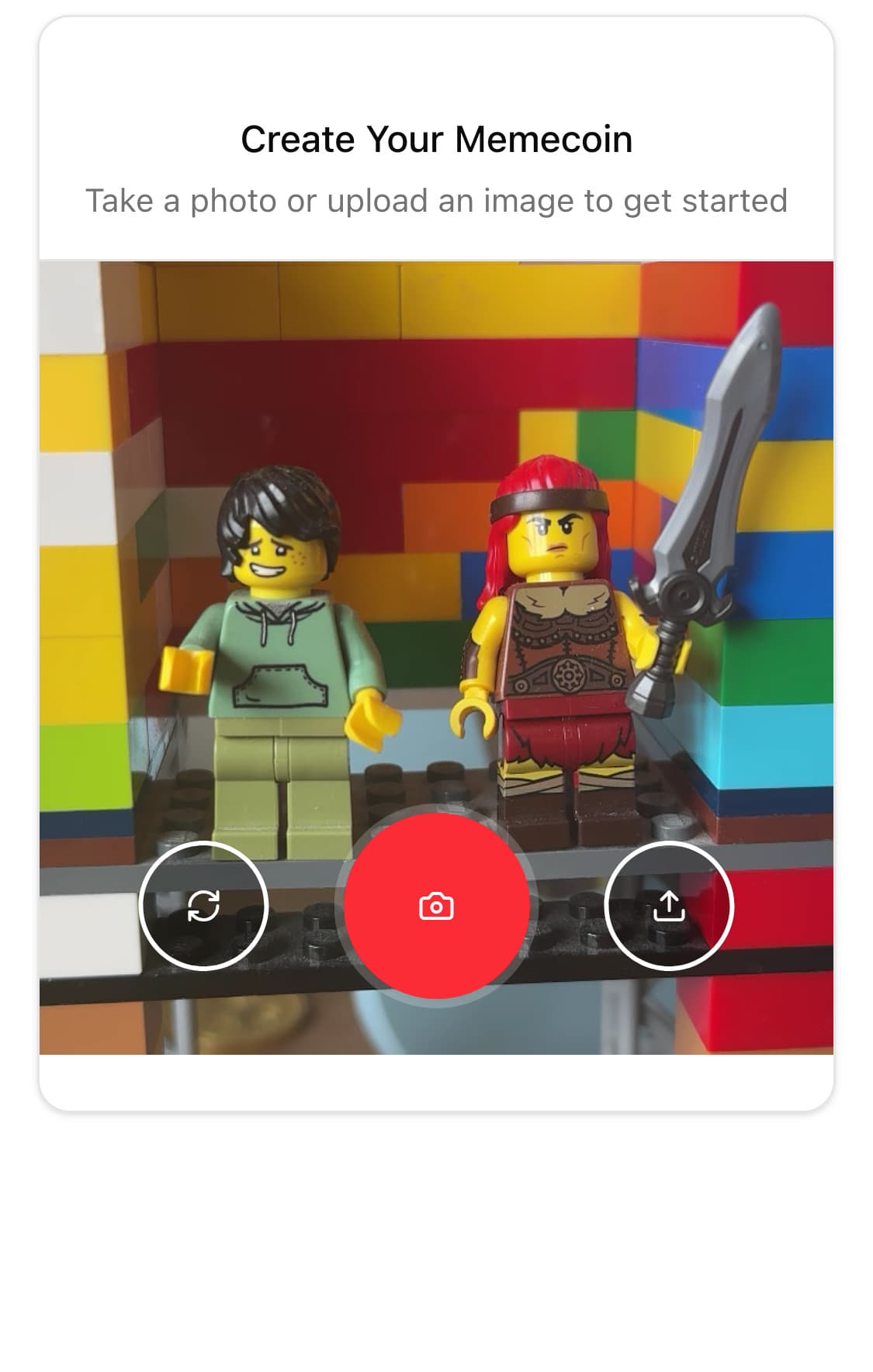
Turn Photos Into Tokens
Snap a pic. Add a meme. Insta Meme instantly mints 100B tokens on Base using the flaunch protocol.
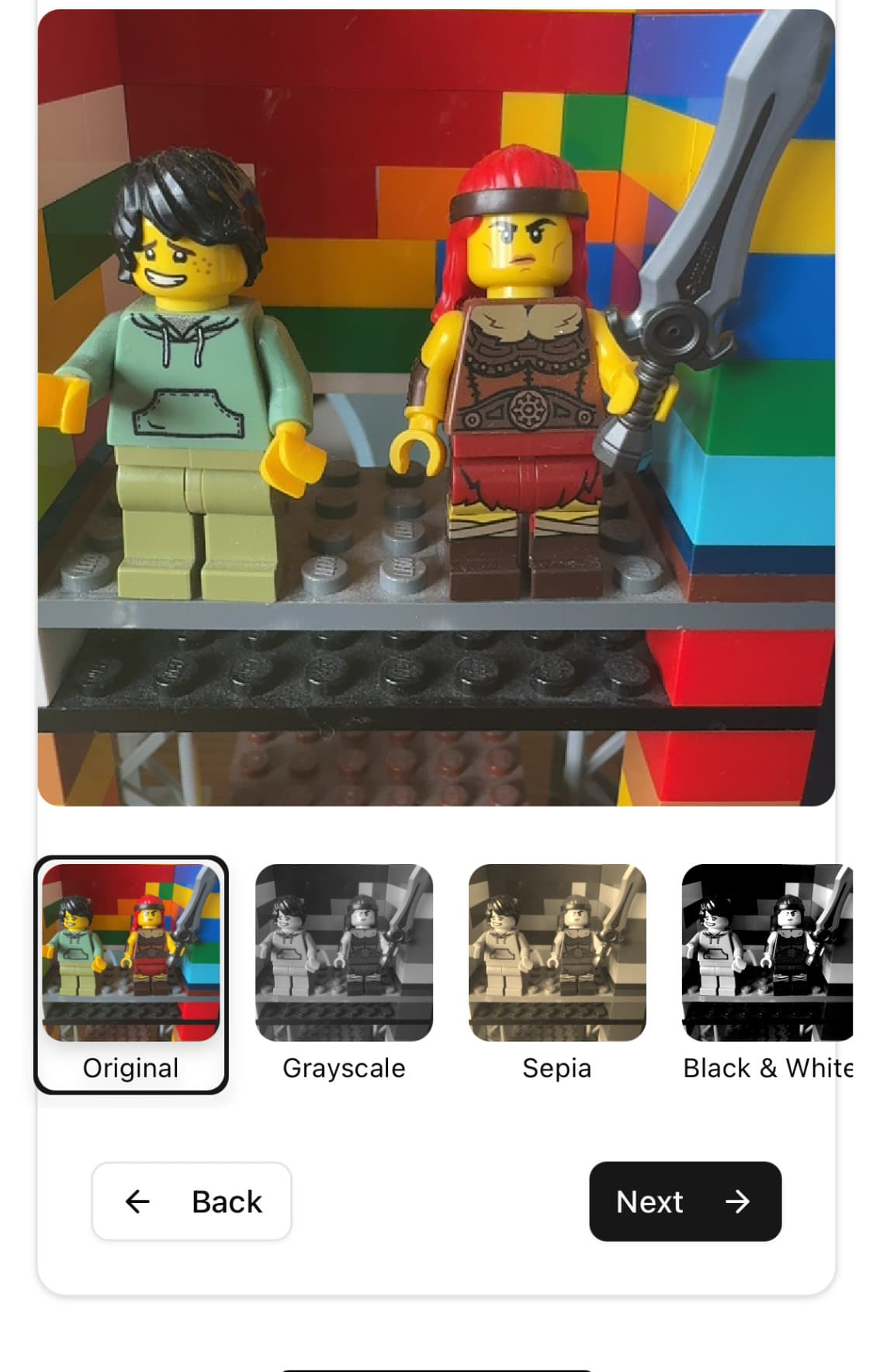
Earn ETH From Every Trade
Every swap of your token earns you 1% in ETH — no need to lift a finger.
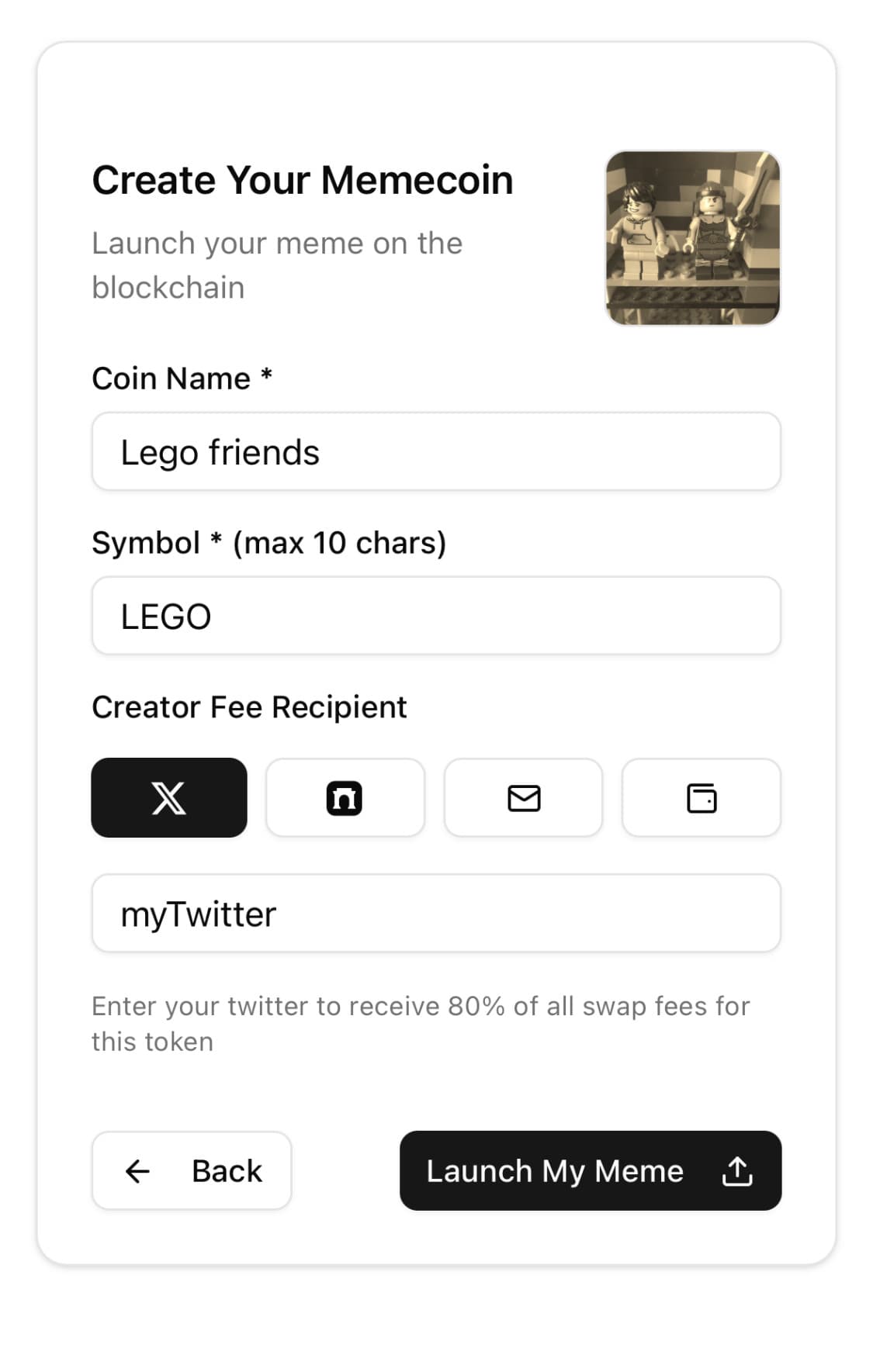
No Wallet? No Problem.
Connect Twitter, Gmail, or Farcaster and get an auto-generated wallet via Privy. It's secure, simple, and you own it all.
Now is the time to build your portfolio.
With typical market returns, you have to start young to secure your future. With Pocket, it’s never too late to build your nest egg.
Create memes effortlessly
Turn any photo into a viral token in under 30 seconds.
Launch on Base with zero setup
Tokens are deployed trustlessly using the flaunch protocol.
Earn forever
Every trade of your meme pays you 1% in ETH.
Share your meme link, go viral
Every view is a potential trade — and a payday.
Secure by default
Wallets powered by Privy — no seed phrases needed.
Track your earnings in real time
See ETH flow into your wallet as people swap your meme.
Everyone is changing their life with Insta Meme.
Thousands of people have doubled their net-worth in the last 30 days.... probably. The stories below are based on real imaginary people and the Base Sepolia testnet, but what's stopping you make this real with your own meme token?
Frequently asked questions
If you have anything else you want to ask, just yolo.... it's free.
Do I need a crypto wallet?
Nope. You just add your Twitter, Gmail, or Farcaster, address we create a secure wallet for you using Privy. You then login with that account on flaunch.gg to claim your meme token earnings.
How much does it cost to mint a meme?
Nothing! Insta Meme is completely free to use — you don’t even need to pay gas when deploying.
What blockchain is this on?
Insta Meme uses the Base network — it’s fast, cheap, and backed by Coinbase.
Do the people giving you tips realize what they are doing?
People are not tipping, they are trading your meme token. 1% of every trade is collected as part of the swap fee with 80% going to the creator and 20% going to the community (which is then used to buy back the token and protect the price).
Where is Insta Meme based?
The internet. It is just an app that is taking advantage of the heavy lifting done by the https://flaunch.gg team utilising their Web 2 API.
Is there any age limit to creating a meme on Insta Meme?
If you have access to the internet, you can create a meme on Insta Meme.
How did you get this on the App Store?
Its a web app, so it doesn’t need to be on the App Store. If you want to "download it", you can click on the "Add to Home Screen" button in your browser, then open the app from there and it will run like a native app.
How do I explain the money I withdraw from Insta Meme to the IRS?
This feels like one-hundred percent a you problem. Insta Meme is not responsible in any way for your tax returns.
How do I build something like this?
Head over to the Flaunch Docs on https://docs.flaunch.gg, everything you see on this app was done using the API and documentation there (plus a bit of vibe coding).